
IXL now has a more powerful app! Learning in the classroom and at home is more fun and engaging than ever, no matter what device students use. With a refreshed look similar to IXL.com, it’s now even easier for students to navigate and take advantage of everything the app has to offer.
Let’s tour the latest version of the IXL app!
What’s new on the app
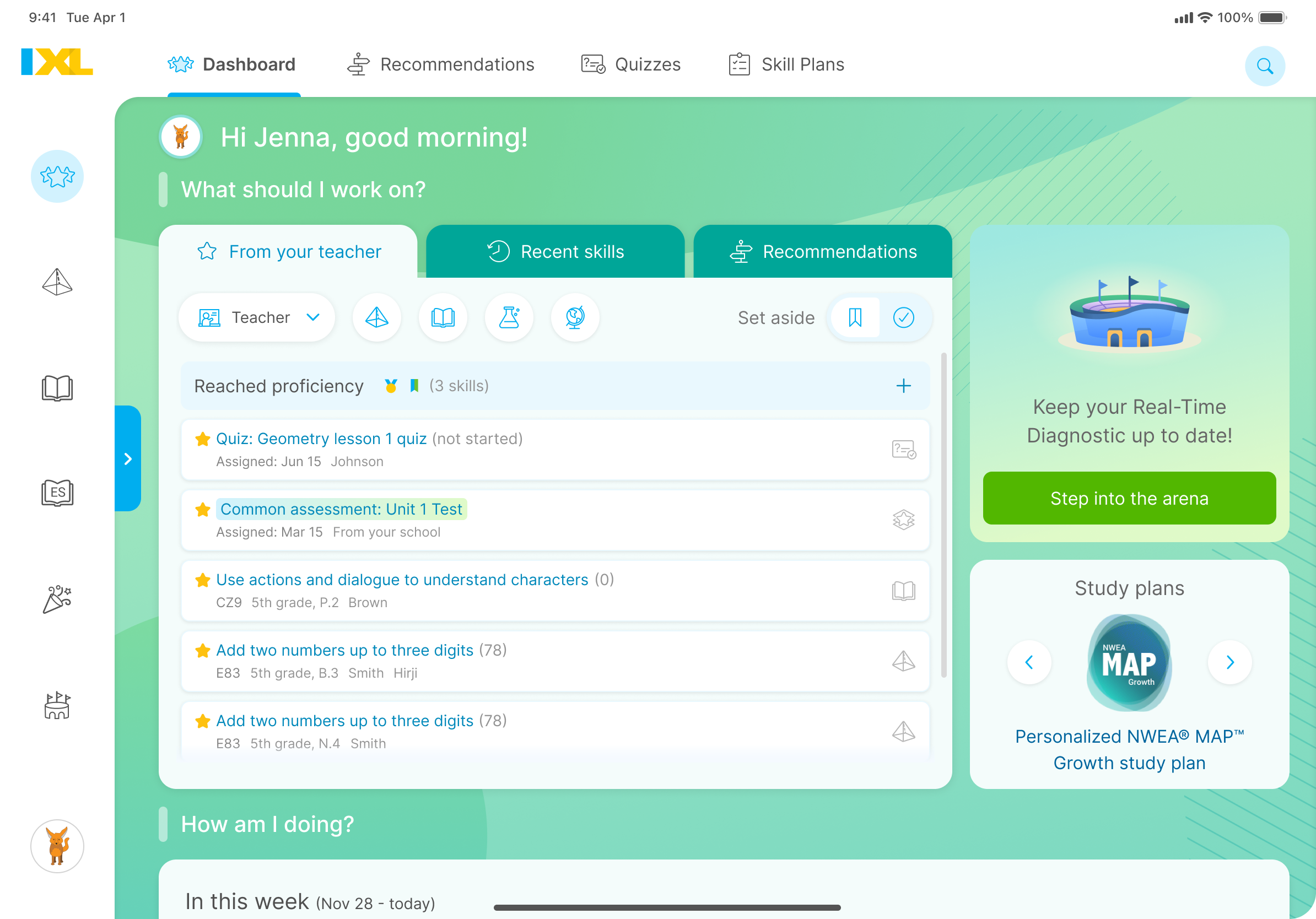
Students now land on their dashboard when they sign in, just like on IXL.com! With all of their next steps in one place, students can stay zoned in on learning from the moment they open the app.
Assigned, recommended, and recently practiced skills are easily accessible from the student dashboard. Students can also see if it’s time to complete an assessment or answer questions in Real-Time mode from the assessments arena icon. Plus, personalized study plans are front and center for students to practice.
And, Spanish language arts (SLA) games are now available on the app! These games are a fun and immersive way for PreK through 5th-grade learners to make progress in foundational SLA skills.
Note: SLA content and personalized study plans are available for the U.S. edition only.
Streamlined navigation for seamless learning
New navigation bars on the side and top of the screen make it simple for students to quickly find exactly what they need to start practicing.
My IXL tab
From the student dashboard, students can explore the rest of the My IXL tab. It’s also accessible from the left-hand navigation bar.
In addition to the student dashboard, the My IXL tab houses:
- Recommendations wall: Personalized skill recommendations that students are ready for based on their progress.
- Quizzes: Students can access and complete assigned quizzes here.
- Skill Plans: This tab contains all skill plans that have been pinned by a teacher or parent.
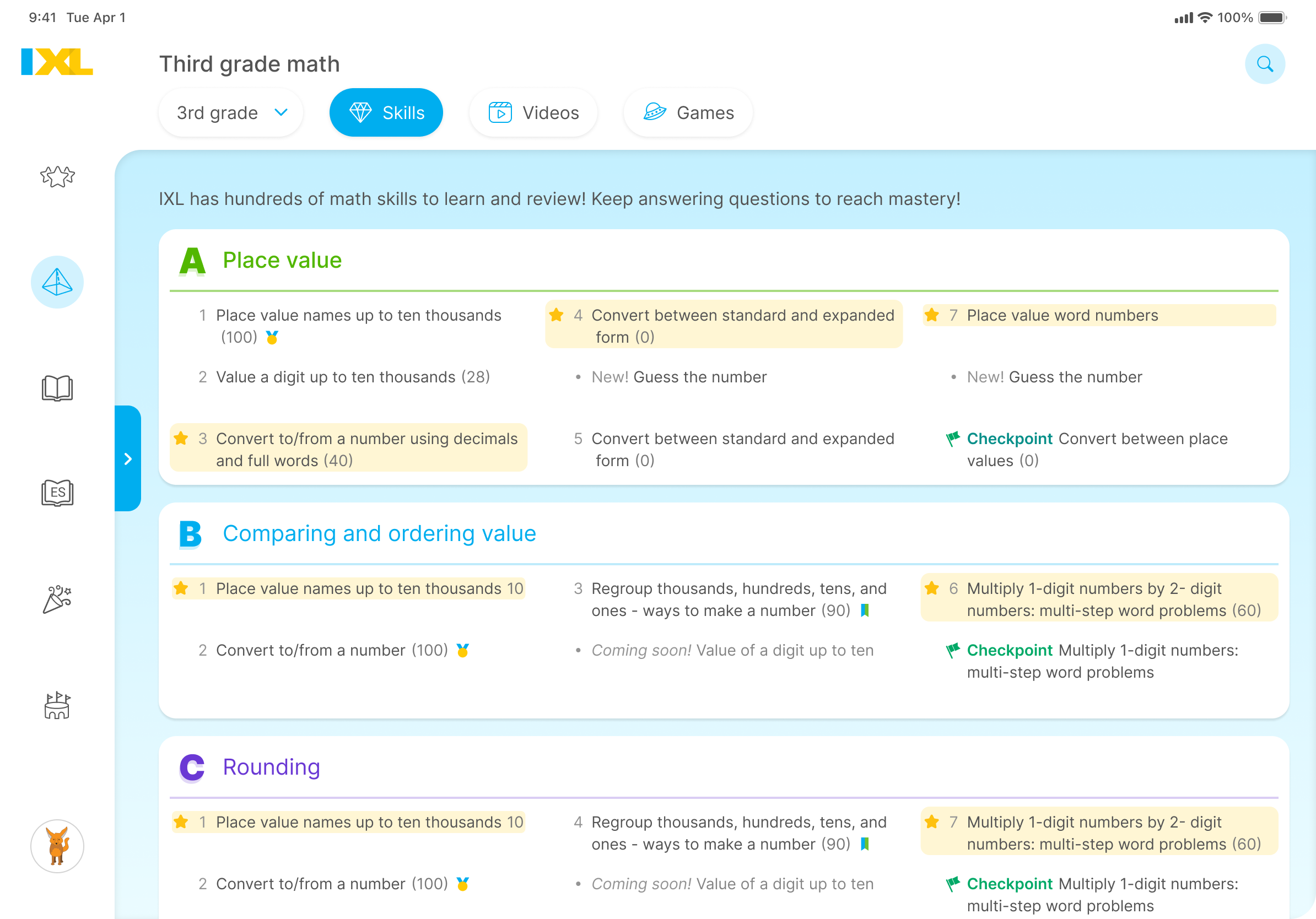
Subject landing pages
When students select one of their subjects from the left-hand navigation bar, they’re taken to the grade landing page for that subject. From the top menu, students can navigate to video tutorials and games!
Awards
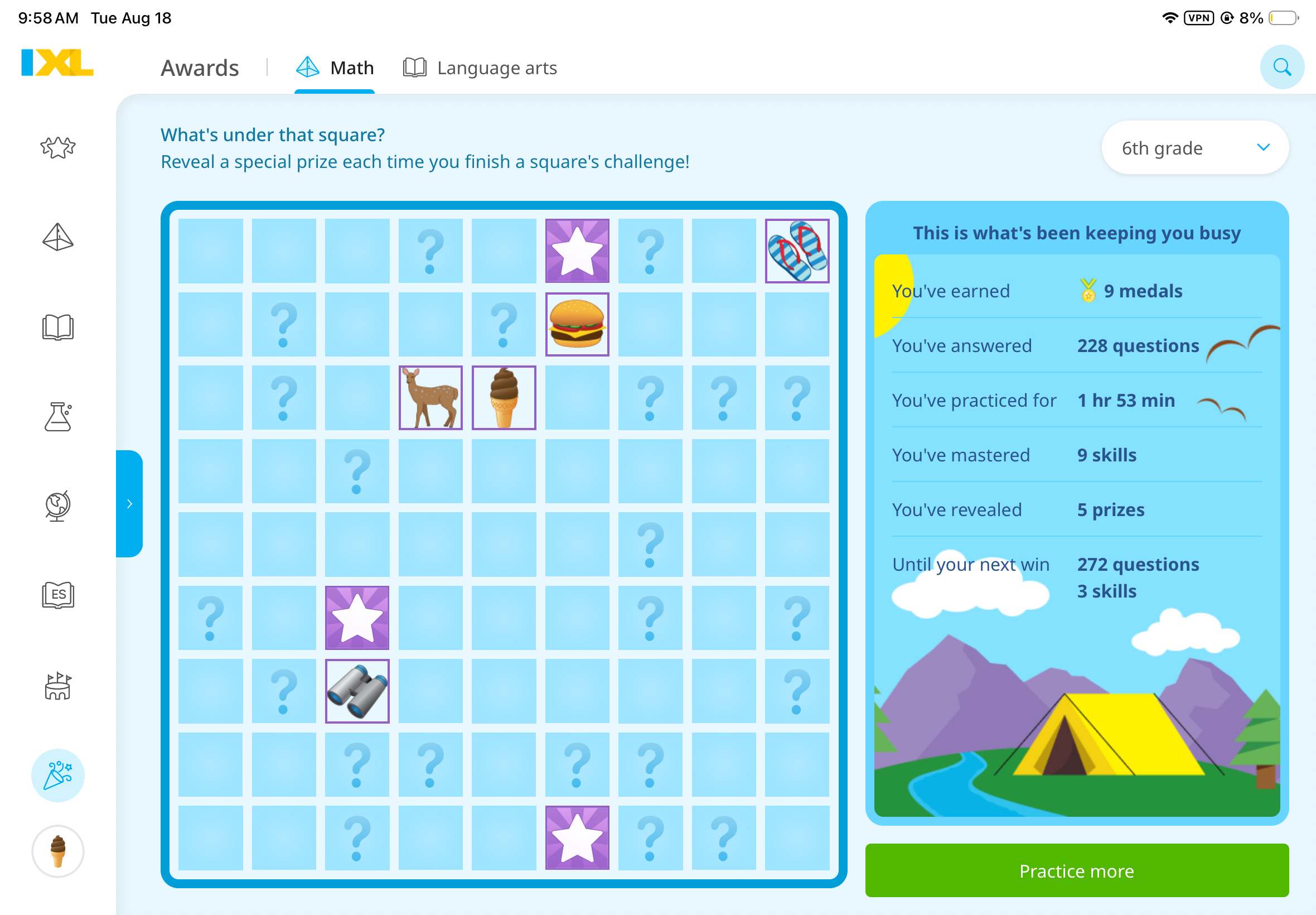
Celebrate achievements with awards!
Learners can see all of their math and English language arts (ELA) awards by selecting the Awards tab. With fun animations, it’s an easy way to celebrate their accomplishments as they learn.
Assessments
From the Assessment tab, students can enter the arena to complete any assigned assessments or answer questions in Real-Time mode.
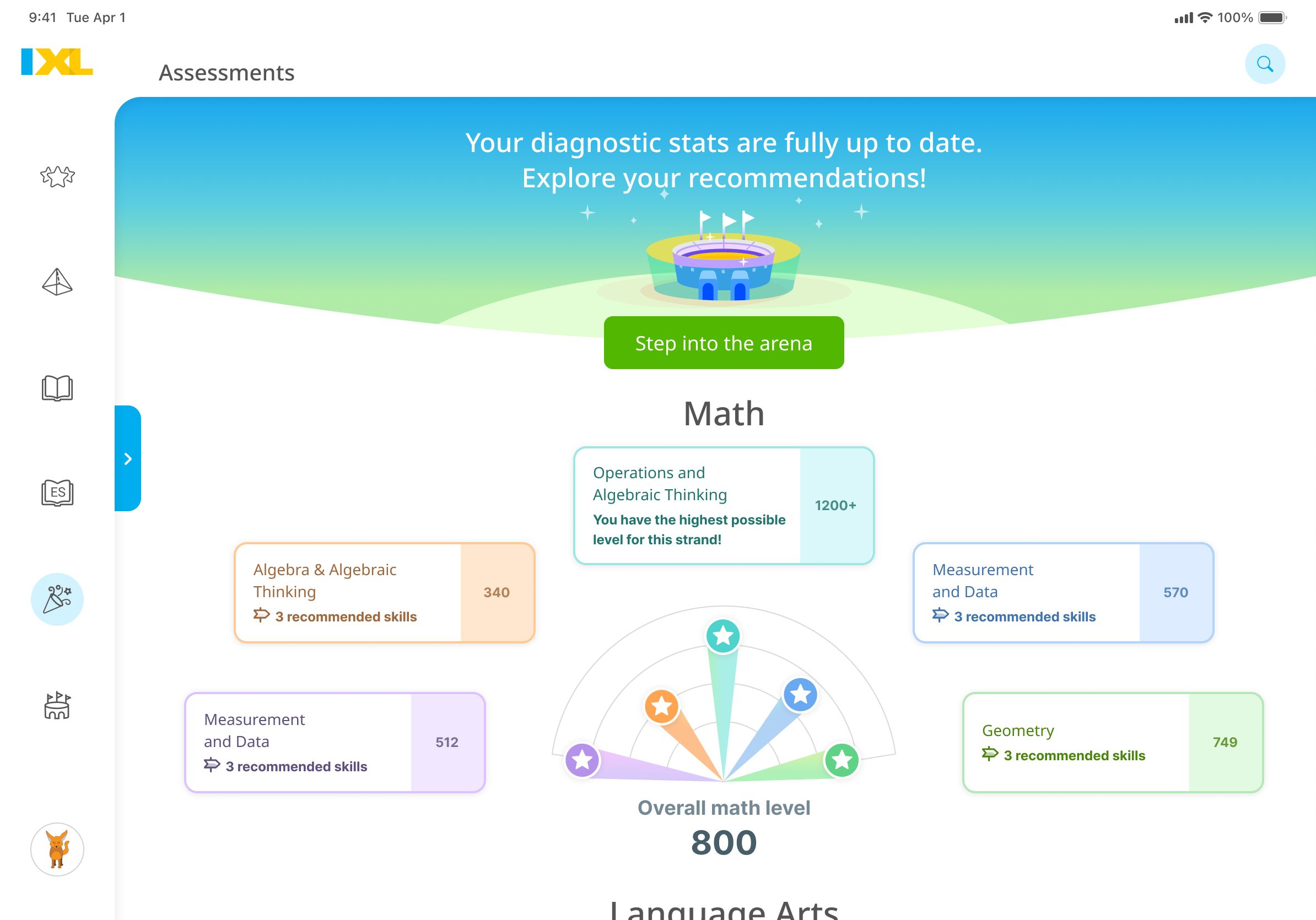
When their diagnostic levels are pinpointed, students can tap into their recommended skills in each strand.
The same learning experience across every device
In addition to the student dashboard and new navigation, the latest Android and iOS apps now support the same features! With nearly identical experiences across devices, students can get the most out of the IXL app no matter what device they use.
The following features are now available on both Android and iOS:
- Spanish Language Arts (SLA): Build Spanish literacy skills through rigorous, standards-aligned skill practice.
- Games: Explore math, ELA, and SLA games from the PreK through 5th-grade subject landing pages.
- Group Jam and Lightning Jam: Join a Jam invitation from the banner at the top of the screen.
- Universal Screeners: Complete Universal Screeners in the Assessments tab or tapping the assessment arena icon on the student dashboard.
Note: SLA content and Universal Screeners are available for the U.S. edition only.
Start learning anywhere
Ready to jump in? Download or update the IXL app on the Apple App Store, Google Play Store, or Amazon Appstore!
Learn more at http://www.ixl.com/apps.